
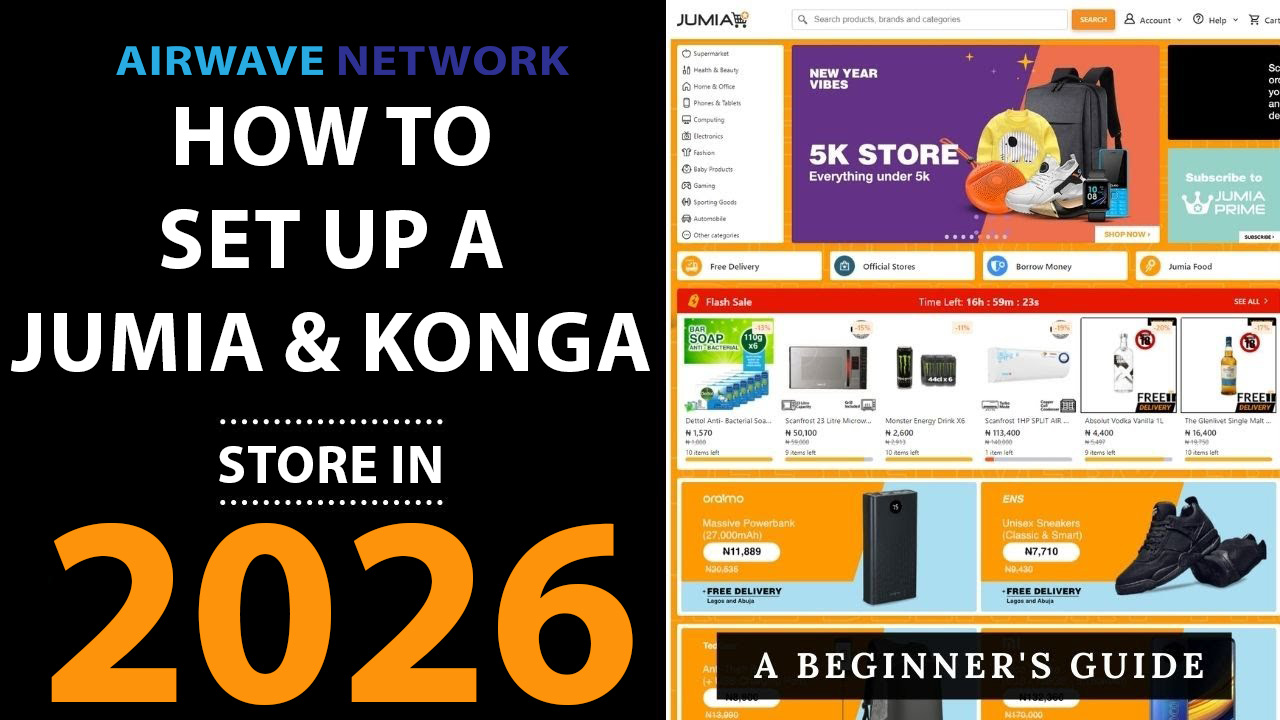
If you are a Nigerian entrepreneur looking to scale your business and reach millions of customers, setting up a store on Jumia or Konga is the most direct path to the e-commerce goldmine.
This complete 2025 guide will walk you through the precise, step-by-step process for registration, account setup, product listing optimization, and provide a critical comparison to help you choose the best platform for your business. We cover everything you need to start selling today!
1. Choosing Your Platform: Jumia vs. Konga (2025 Comparison)
The first step for any prospective seller in Nigeria is deciding between the two e-commerce giants: Jumia and Konga. While the setup processes are similar, their fees, reach, and logistics models differ.
The Verdict:
- Choose Jumia if your priority is accessing the largest possible customer base and leveraging an established, fast fulfillment network (Jumia Express).
- Choose Konga if you prefer lower starting commissions in certain categories and want more control over your inventory, packaging, and delivery process (self-fulfillment).
2. Step-by-Step Guide: Setting Up Your Jumia Store (Vendor Centre)
The Jumia seller platform is known as the Vendor Centre. The entire process typically takes less than 30 minutes to complete the registration, plus the time needed for verification and training.
Step 1: Initial Registration & Documentation
- Visit the Sign-Up Page: Go to the Jumia Seller Registration page.
- Fill the Form: Input basic details: Country (Nigeria), full name, email, phone number, and your desired store name. Select your business entity type (Individual or Registered Company).
- Submit Documents: Upload your necessary verification documents (CAC Certificate/Business Registration, valid government ID, and bank account details).
- Wait for Approval: Jumia reviews your submission. Once verified, you gain access to the Vendor Centre.
Step 2: Complete the New Seller Training
- Access Vendor Hub: Log in to your newly activated Jumia Vendor Centre.
- Mandatory Training: You must complete the dedicated New Seller Training. This module familiarises you with Jumia’s platform tools, policies, listing requirements, and best practices. Do not skip this step.
- Set Up Account Details: Finalize your profile, including your banking information for payment settlement.
Step 3: Product Listing and Optimization
- Navigate to Product Upload: Use the Vendor Centre dashboard to add your first product.
- Optimization is Key (SEO):
- High-Quality Images: Use clear, high-resolution images showing the product from multiple angles.
- Compelling Title: Use keywords! Example: instead of “New Shirt,” use “Men’s Slim Fit Casual Polo Shirt – 100% Cotton (Blue)“.
- Detailed Description: List all features, specifications (size, material, warranty), and use relevant keywords naturally.
- Set Pricing and Inventory: Input your final selling price, stock quantity, and SKU (Stock Keeping Unit).
3. Step-by-Step Guide: Setting Up Your Konga Store (SellerHQ)
Konga’s merchant platform is called SellerHQ. It offers a straightforward registration path with flexible logistics.
Step 1: Register on Konga SellerHQ
- Go to Konga SellerHQ: Visit the Konga SellerHQ registration page and click “Create an Account.”
- Provide Store Information: Enter your full name, email, mobile number, and the preferred name for your Konga store.
- Verification: Verify your email and phone number.
- Submit Documents: Provide your business name, address, CAC registration number (for formal businesses), and bank account details for payment.
Step 2: Configure Your Store and Logistics
- Access SellerHQ Dashboard: Log in to your central dashboard.
- Complete Profile: Add a professional logo, a clear brand description, and set your return policy.
- Choose Fulfillment Method: Konga gives you control:
- Self-Fulfillment: You handle storage, packaging, and shipping to the customer via your chosen third-party carrier.
- Konga Express (KOS) / FBK: Konga handles the logistics, providing a smoother experience but potentially incurring additional fees.
Step 3: Listing Products and Competitive Pricing
- Create Listings: Navigate to the product listing section in SellerHQ.
- SEO & Detail: Just like Jumia, focus on SEO-friendly titles, detailed descriptions, and high-quality images.
- Strategic Pricing: Research competitors on Konga. Factor in the product price, the platform commission (which is visible in SellerHQ), and any delivery costs to set a competitive, yet profitable, price point.
4. Crucial Tips for Success and High Sales
- Master Product SEO: Your product must be discoverable. Use descriptive titles and fill in all specifications to boost visibility in search results.
- Prioritize Fast Fulfillment: Whether you use Jumia Express or Konga’s FBK, or self-fulfill quickly, speed is the key to positive customer reviews and higher Seller Scores.
- Professional Images: Invest in clear, high-resolution product photos. Customers shop with their eyes.
- Monitor Seller Score: Both platforms track your performance (cancellation rate, delivery time, customer feedback). Maintaining a high score ensures you retain visibility and selling privileges.
